


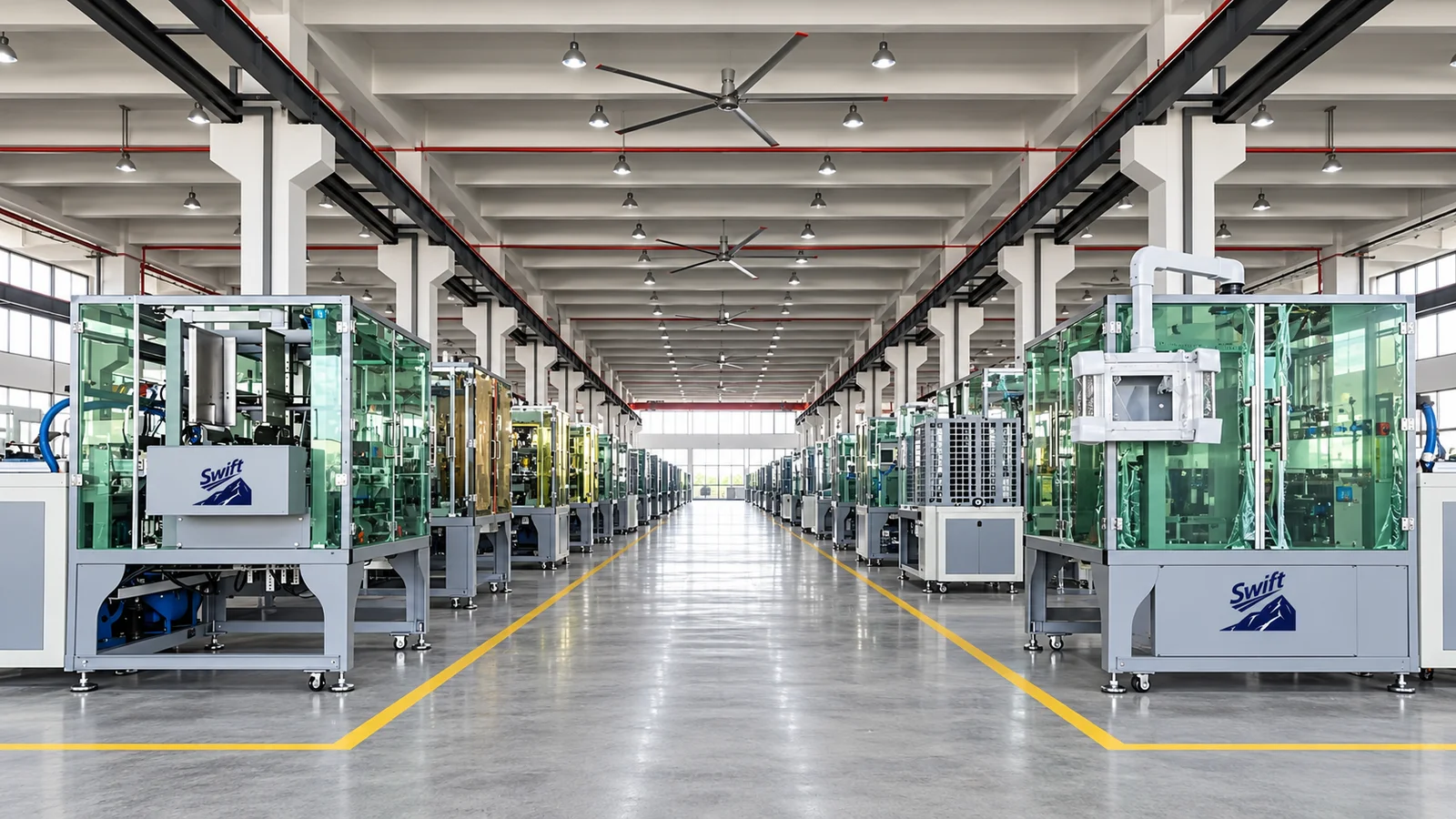
Box folding machines
HPZ20
HPZ20 Automatic carton folding machine
This automatic folding machine forms self-locking paperboard boxes using a dedicated mould. Select it around the folded wall height and blank geometry, rather than the size of the product alone.
Request a quoteTechnical specifications
| Equipment | HPZ20 |
|---|---|
| Catalogue output | 14–18 pieces/min |
| Finished carton range, L × W × H | 170–300 × 120–200 × 30–80 mm |
| Blank constraints | W + 2H < 280 mm; L + 4H < 630 mm |
Catalogue figures apply to the described configuration. Size ranges do not confirm every combination. Agree the actual package, tooling, electrical supply and accepted output before ordering.
Typical packaging applications
This automatic folding machine forms self-locking paperboard boxes using a dedicated mould. Select it around the folded wall height and blank geometry, rather than the size of the product alone.
- Small self-locking cartons
- E-commerce packing boxes
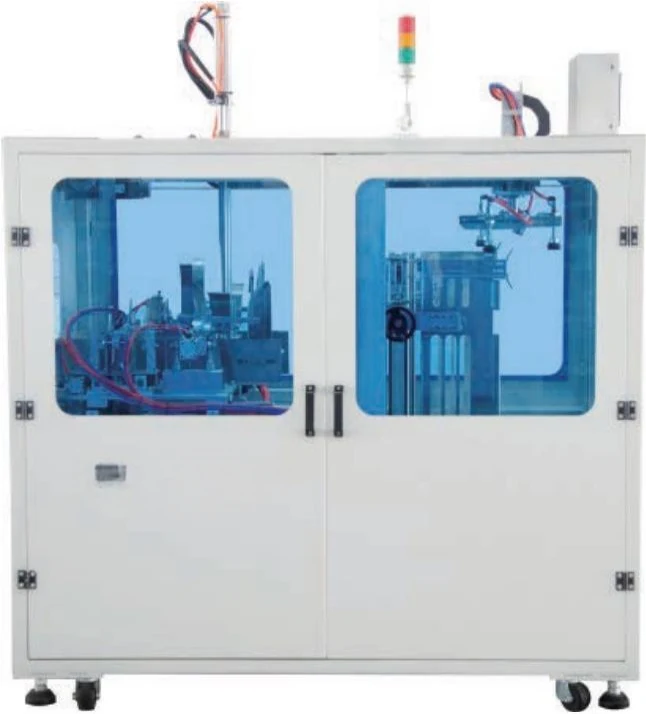
Confirm the illustrated arrangement and the equipment included in your quotation.
MACHINE FEATURES
Machine features
This automatic folding machine forms self-locking paperboard boxes using a dedicated mould. Select it around the folded wall height and blank geometry, rather than the size of the product alone.
01Format-specific mould
Each box format requires a matching forming mould. Include all planned sizes in the tooling request.
02Locking folds
The forming sequence folds and engages the paperboard tabs; loading the product remains a separate step.
PACKAGE REQUIREMENTS
Prepare the sample and layout
Send the flat blank drawing and a formed sample for each format. Identify finished dimensions, board weight and thickness, coating, joint or locking pattern and required accepted output.
Record each package format separately during the trial. Check the finished package, any rejected output, changeovers and the handoff to the next operation before confirming the configuration.
Discuss this model and your packageRelated packaging applications
FREQUENTLY ASKED QUESTIONS
Product questions
How do I confirm this configuration?
Send the flat blank drawing and a formed sample for each format. Identify finished dimensions, board weight and thickness, coating, joint or locking pattern and required accepted output.
Does the catalogue output apply to every package?
No. Package geometry, material, handling and machine settings affect the accepted output. Agree the sample, configuration and counting method before using a catalogue figure to plan production.
What is included in the supplied equipment?
Confirm the selected model, tooling, conveyors, guards, electrical supply and any optional equipment in the quotation. A catalogue photograph or linked line example does not define the complete project scope.